Nov 17, 2025
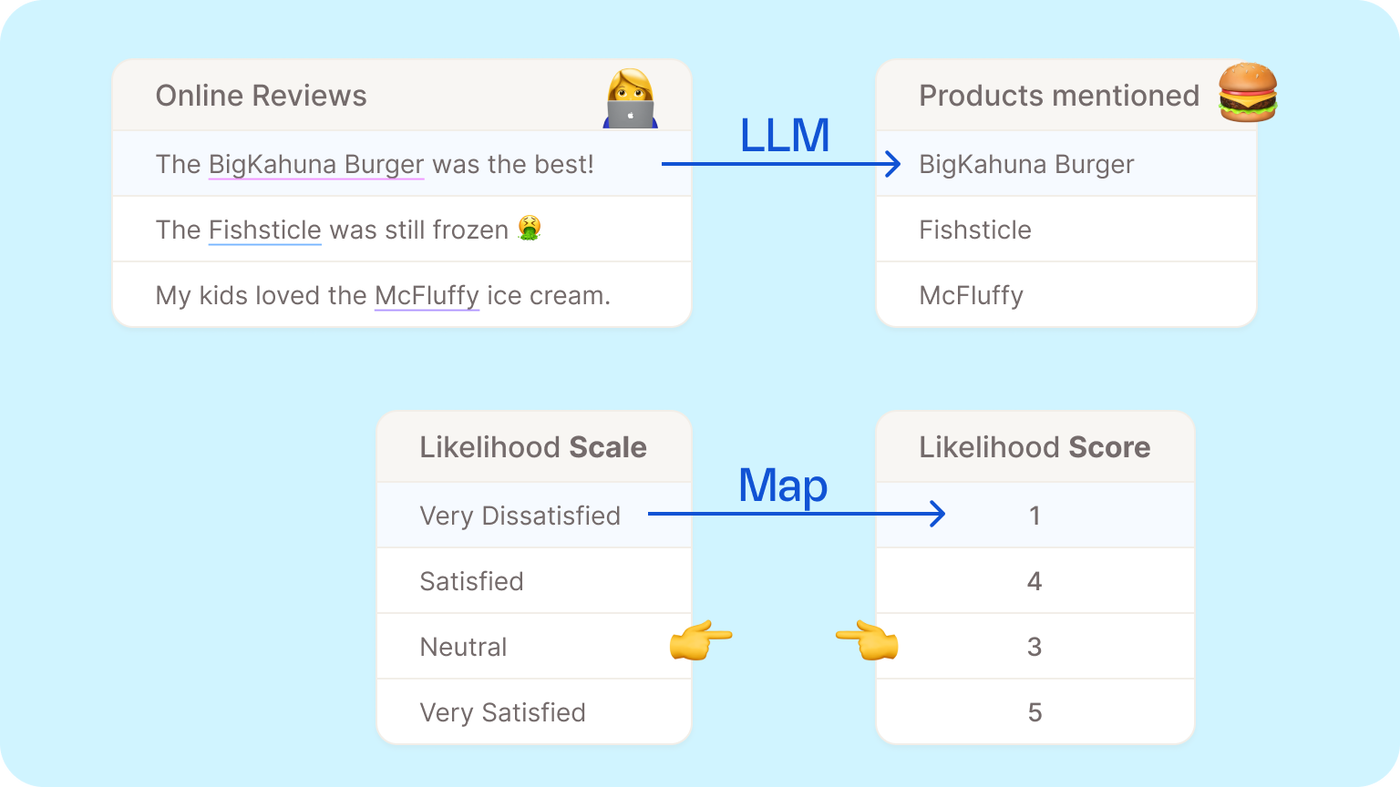
This is big news! You can now create, transform, and adapt formulas with a single prompt — making it easier than ever to build powerful logic, mappings, and transformations without writing anything by hand.
What’s new?
-
Generate formulas and mappings using plain language
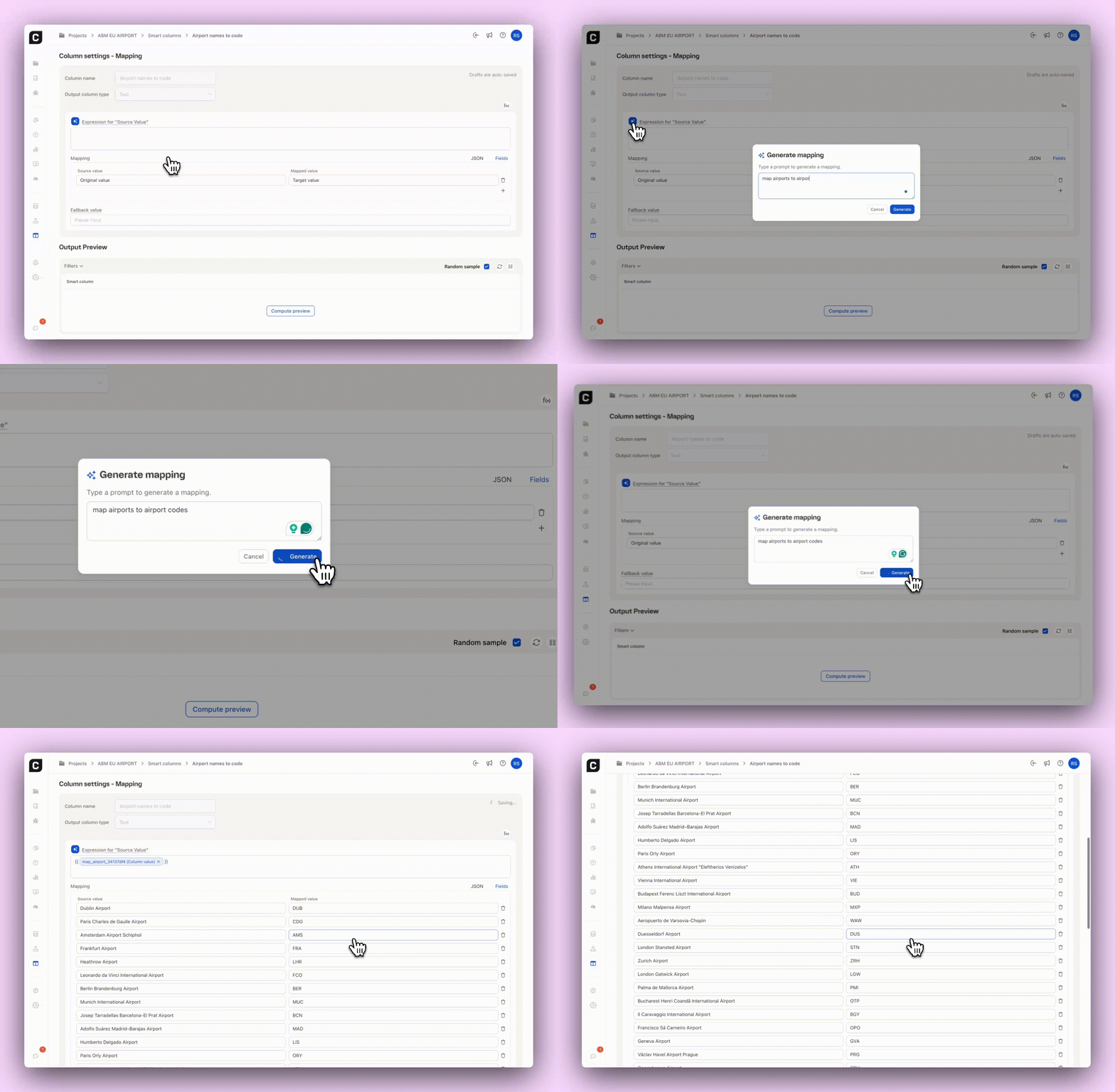
Describe what you want (“Match airports with airport codes”, “Add a 001 for every product from the Beverages category”), and Caplena creates the Smart Column for you. -
Transform existing formulas and mappings
Already have something built? Ask the generator to refine, extend, simplify, or fully rewrite it. -
Full awareness of your data
Caplena knows which columns exist in your dataset and can reference up to 100 values from your numerical or text columns — ensuring suggestions are accurate and context-aware.
Why it matters
You get clean, customized Smart Columns in seconds — effortless to use and built to handle any task.
How to try it
Open a Mapping or Formula Smart Column → click the “Generate with AI" button → describe your intent. Let Caplena handle the rest 😌