📢 Changelog – Fresh Features & Fewer Bugs (Hopefully)
Ah, updates - like taxes and awkward Zoom calls, they’re inevitable. But at least ours are more fun, come with fewer surprises and (hopefully) more fixes. Here’s where you’ll find what’s new, what’s improved, and what we accidentally broke (but promptly fixed). So grab a coffee, take a deep breath, and dive into the wonderful world of feedback evolution - one update at a time.
Ouch — found a couple of wrong entries in your data? No problem. Keeping your data clean and up-to-date is now easier than ever!
With our new Replace Rows feature, you can effortlessly update existing data from uploaded files — without messy workarounds or duplicate entries.
Perfect for tracking surveys, recurring feedback exports, or any evolving dataset. Just upload, replace, and stay in sync.
Managing your data just got a whole lot easier! Say hello to the brand-new Data Sources section — your central hub for everything related to data uploads and integrations in Caplena.

Keeping track of your data has never been this organized. No more guessing where your data came from or what happened when — it’s all right here at your fingertips. 🚀
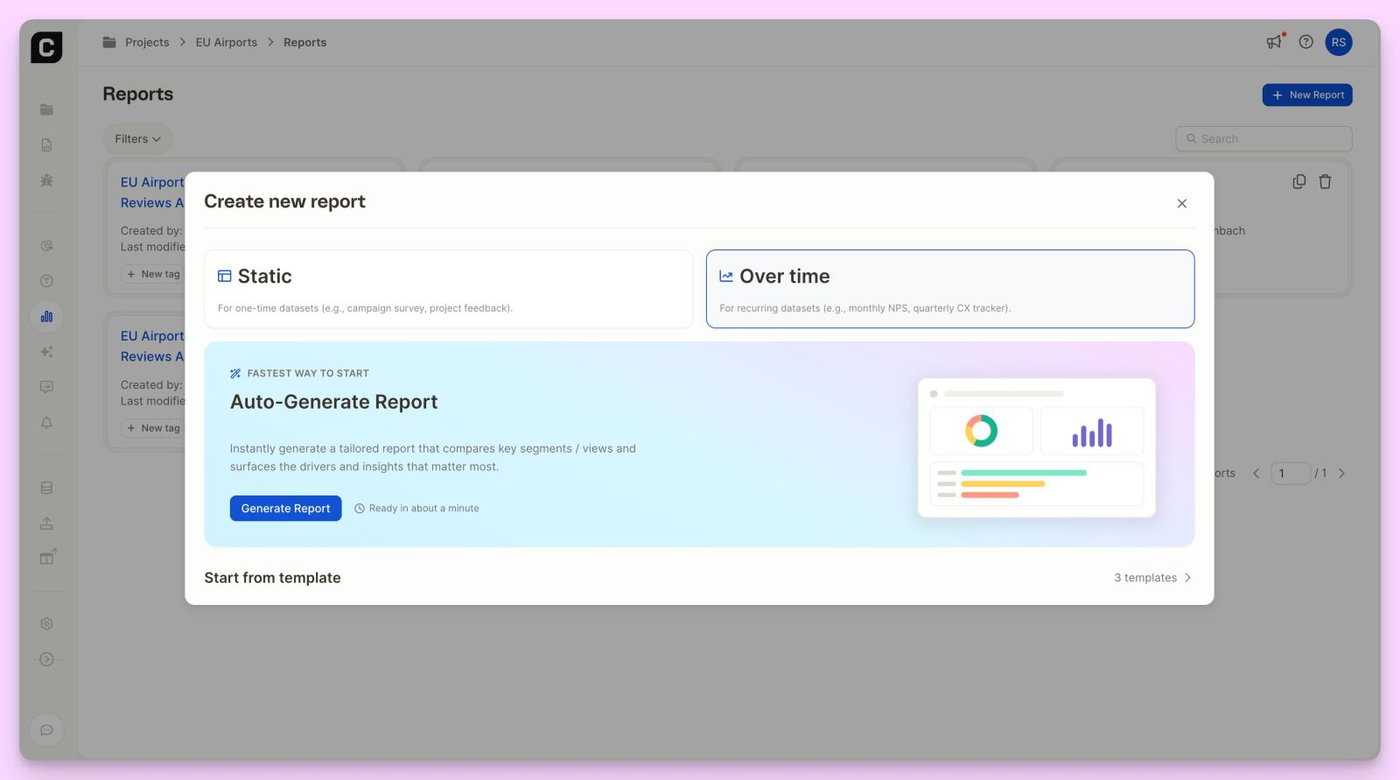
Understanding what truly impacts your customer satisfaction just got even easier! With our new Driver Analysis Insight Element joining the insight element family, you can now explore key drivers and compare impact across segments.


👉 Simply add the new driver analysis insight element within a report using a satisfaction score.
🔗 For a detailed video on how to use the new element (with Pro-Tips from André), please check out this link.
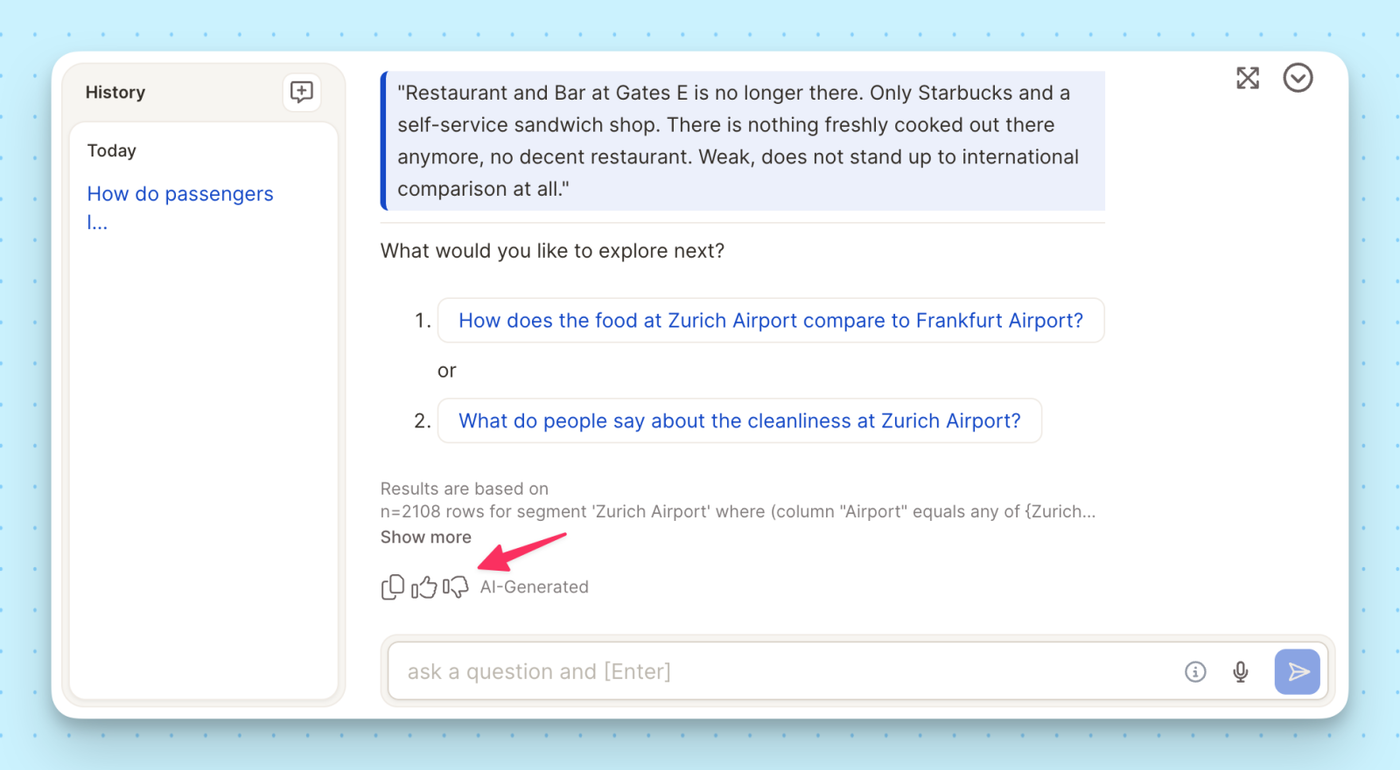
Getting to the right insight just got even easier. You can now apply filters directly within the Insight Chat, allowing for more focused, relevant conversations with your data.

Whether you're digging into a specific customer group or tracking changes over time, filters help you get the answers you need—faster and smarter.
Need a more tailored export? Now you can export your data with filters applied, ensuring you get only the most relevant insights. No more extra clean-up—just filtered, focused, and ready-to-use data at your fingertips!
Simply apply your desired filters, export your dataset, and analyze exactly what matters. Read more on how to export data.

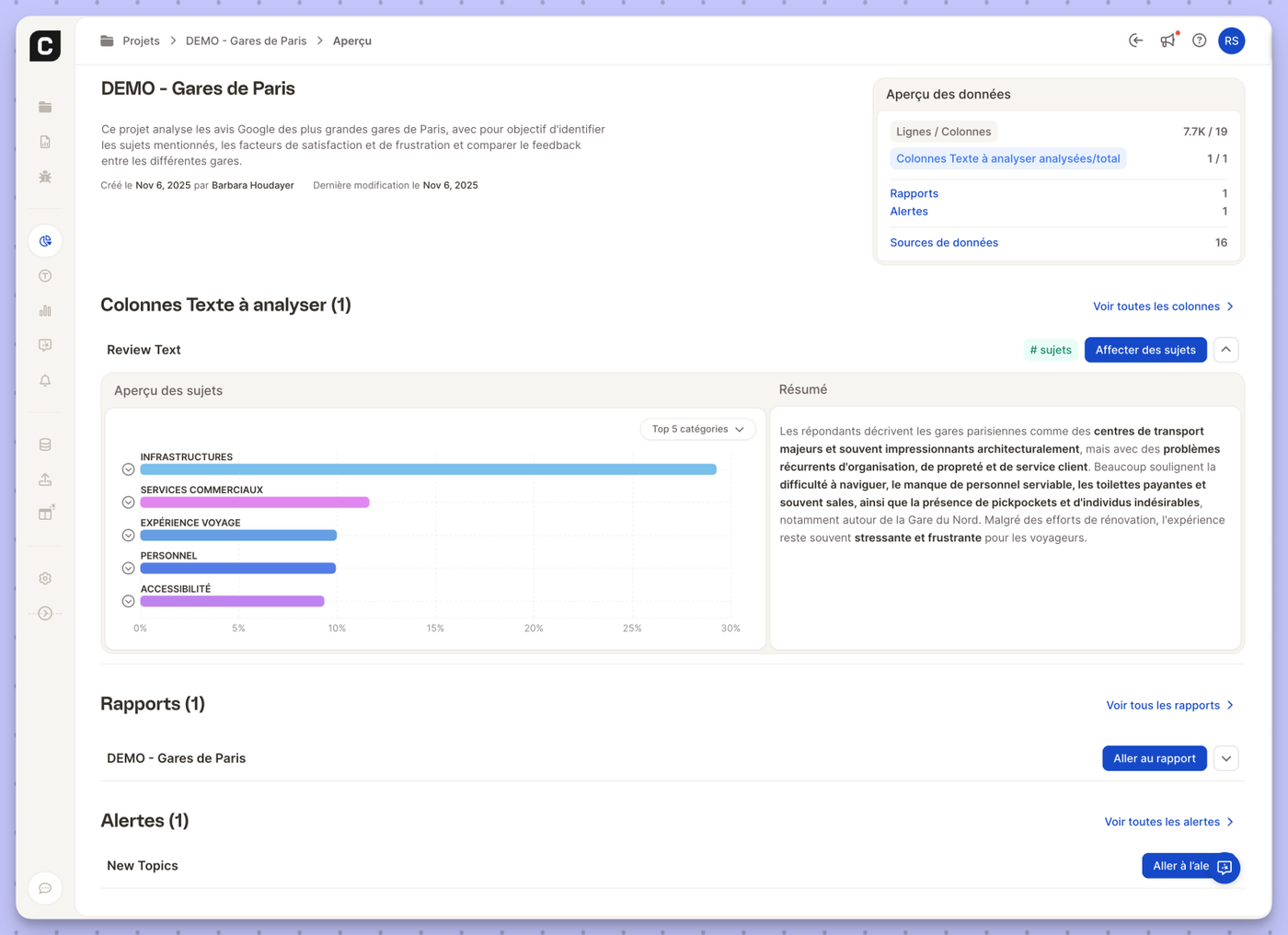
Caplena just got even more powerful! In addition to analyzing open-ended feedback, you can now integrate and explore quantitative data in your reports—for a deeper understanding of your insights.
By combining quantitative and qualitative data in one place, you can now get a more holistic view of your feedback. Try it out today and level up your analysis! 🚀
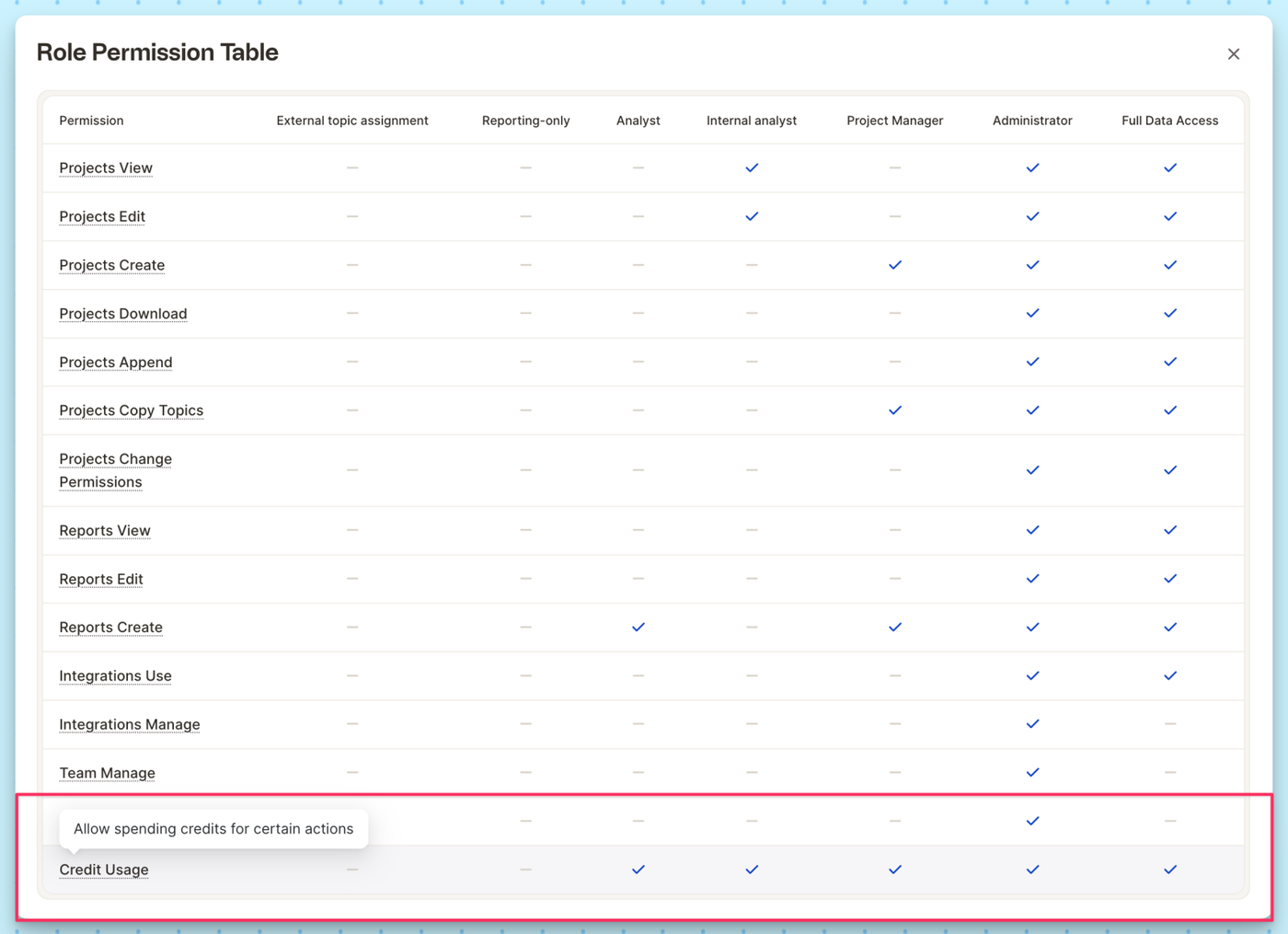
We’re making it easier than ever to collaborate on reports—whether with your team or external stakeholders. With Caplena’s new sharing options, you can grant access while staying in control.

With these flexible sharing options, you can ensure the right people see the right insights—without compromising control. Read more.
Tired of scrolling through endless dropdown menus? Now you can mark your favorite columns and have them appear right at the top for faster selection. No matter if within reports or an InsightChat conversation!
Simply head to the Data Table, pick your most-used columns, and ⭐ favorite them for effortless access.
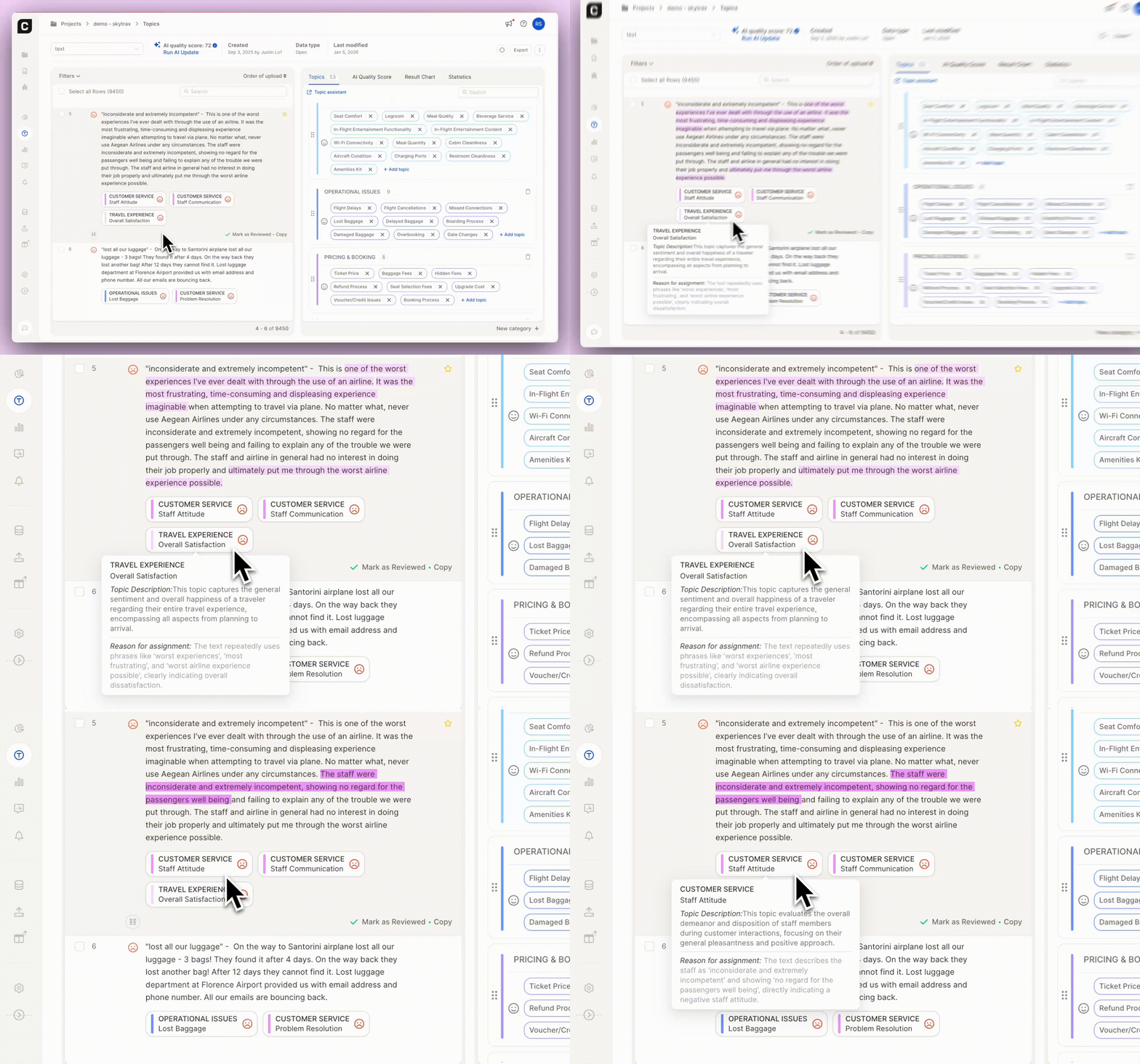
We’re giving you more control over how Caplena’s AI evolves with a brand-new AI Update Toggle in the Topics View! Now, you can pause AI learning on a project level while still allowing automatic topic assignments—ensuring consistency and stability in your analysis.
This feature is perfect for maintaining predictability in your reports while still benefiting from AI-driven automation. Try it out today in the Topics View!
Read this step-by-step guide on how to manage the AI update toggle.
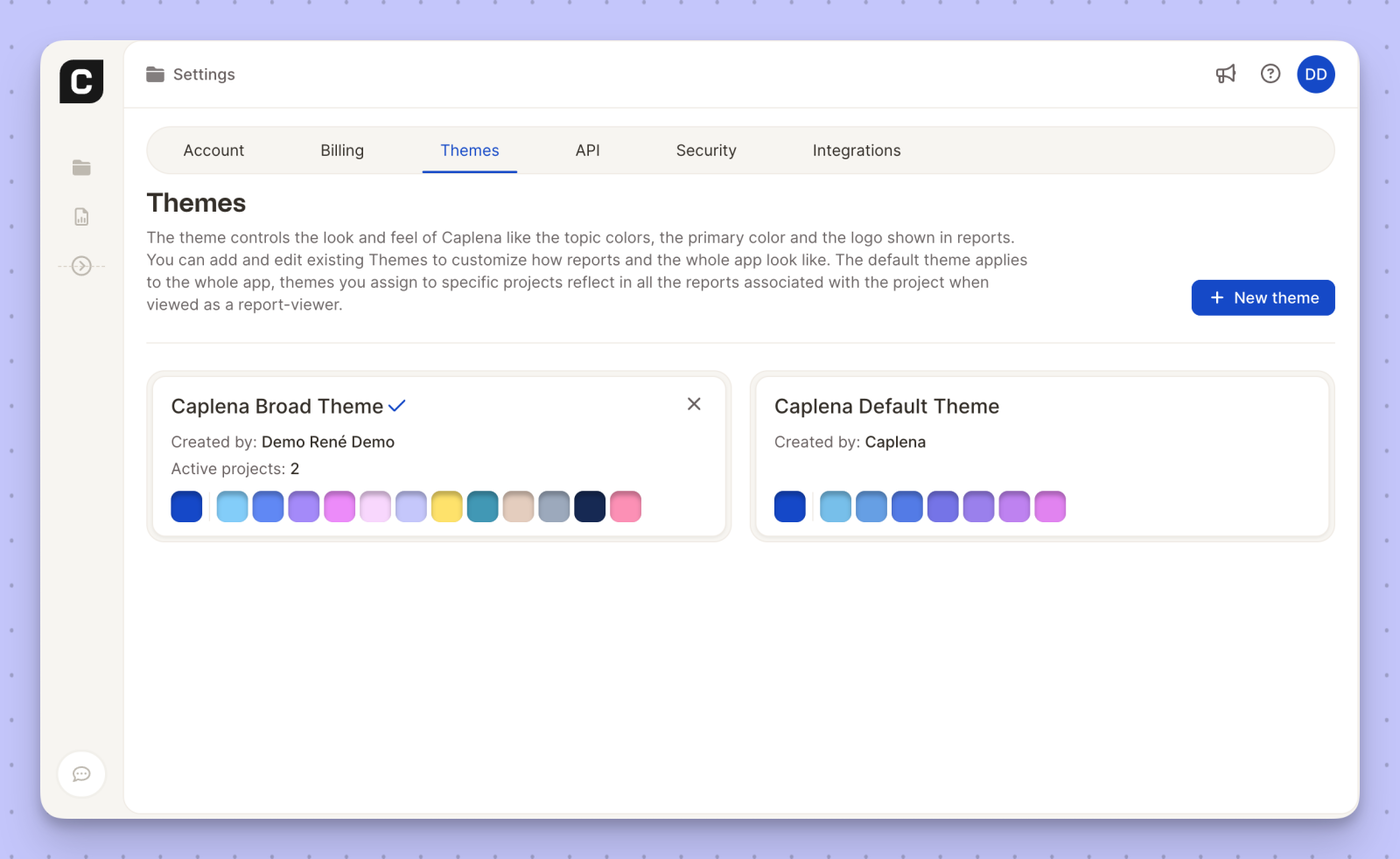
Your data, your style! Caplena now lets you customize color themes within the app, giving you more control over how your insights are visually presented.
🟥 Personalized Look & Feel – Adjust colors to match your brand or preferences.
🟦 Enhanced Readability – Improve contrast and clarity for better data visualization.
🟧 Consistent Branding – Align report visuals with your company’s identity.