
🎨 New: Caplena Broad Color Theme
We’ve added a brand-new Caplena Broad Color Theme to give your reports more visual flexibility and a richer color palette.
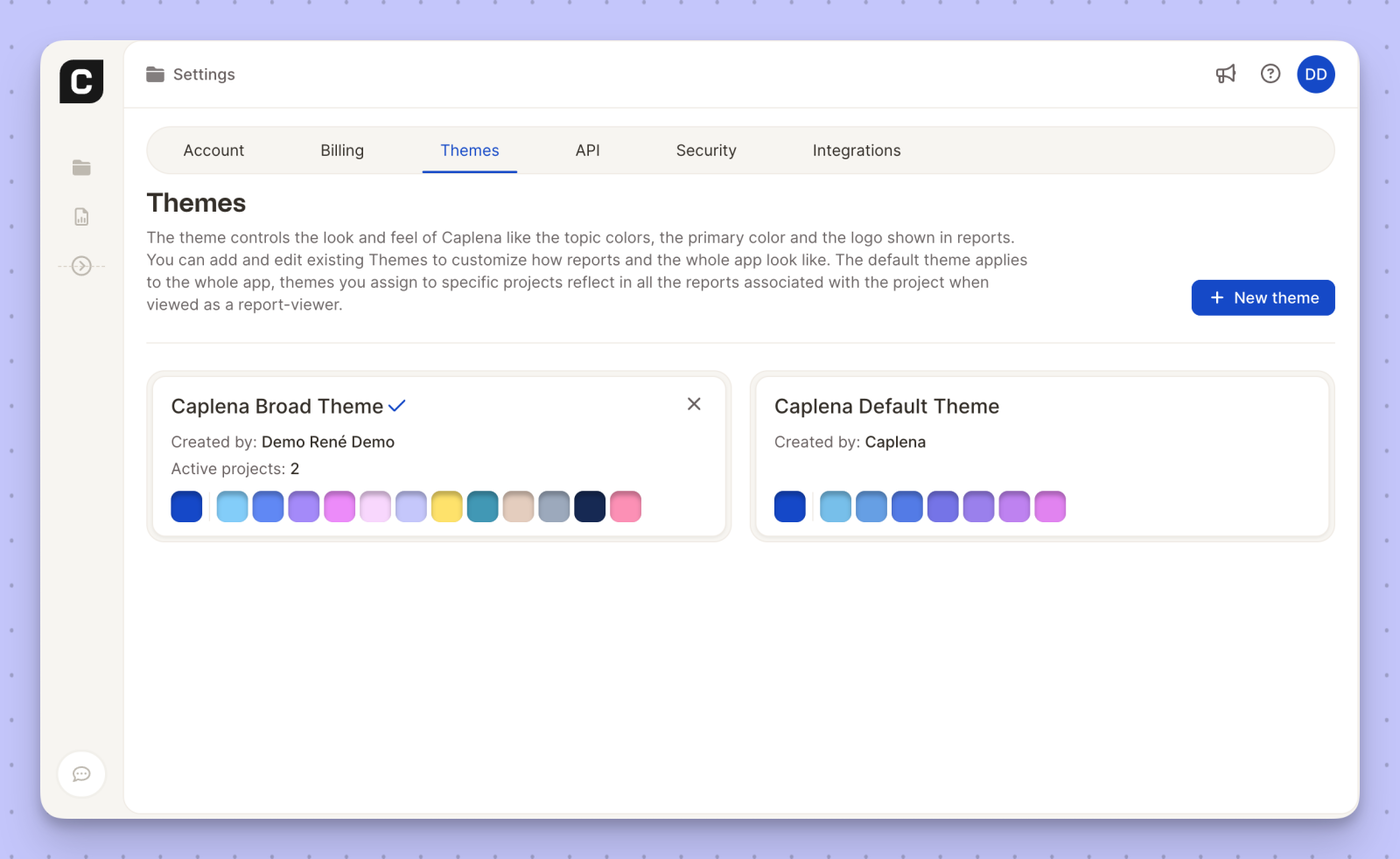
The new theme expands the range of topic and chart colors, making it easier to:
- Clearly distinguish categories and segments
- Create more expressive, client-ready reports
- Maintain visual clarity even in complex analyses
You can manage and assign the Caplena Broad Color Theme from Settings → Themes, just like any other theme. Once applied to a project, it will automatically reflect across all associated reports for report viewers.