
📥 Export Project Metadata to Excel
Sometimes you need the blueprint of your project, not just the raw feedback data. We’ve added a new export option that allows you to download the structural overview of your Caplena projects directly to Excel.
This is especially useful for maintaining internal documentation, auditing your data architecture, or sharing project setups with stakeholders who don't need access to the granular text responses.
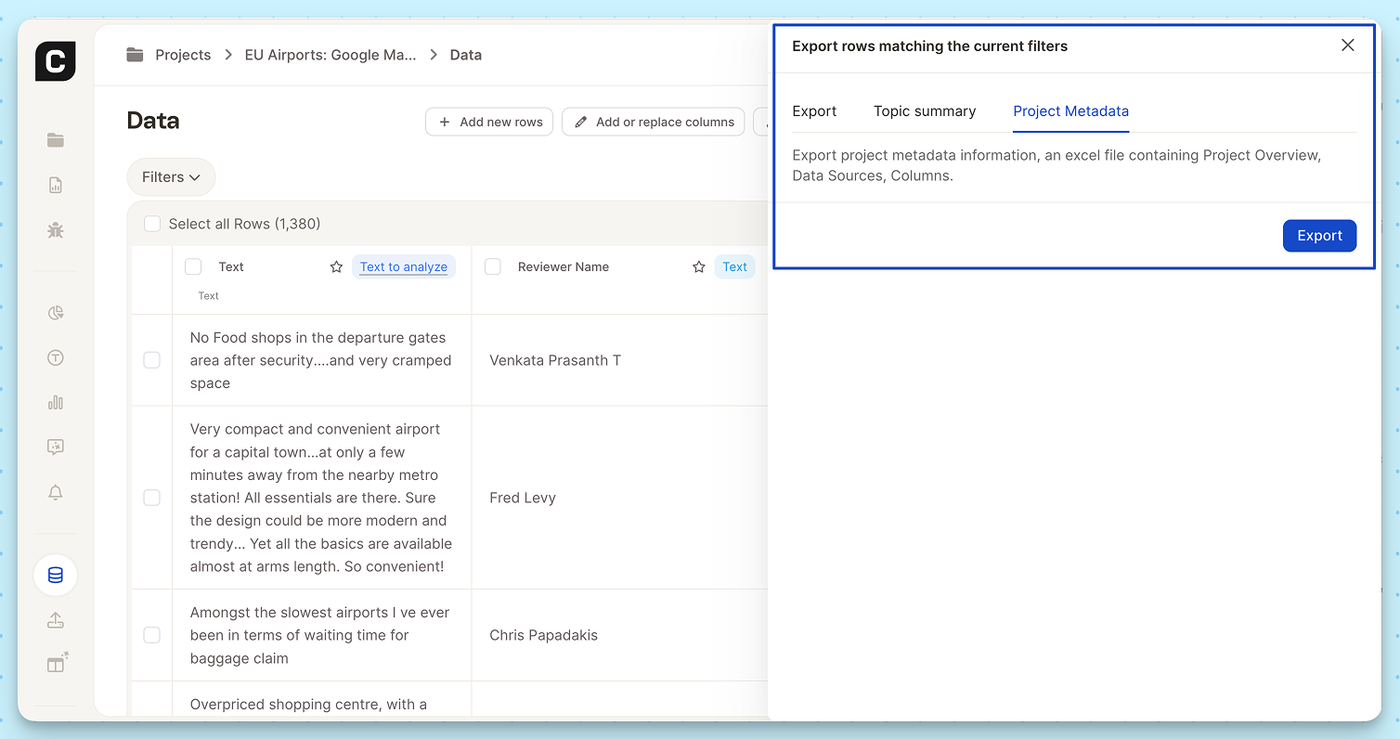
What’s included in the Excel export?
- Project Overview: High-level details and settings of your current project.
- Data Sources: A clear log of where your feedback is originating from.
- Columns: The exact structure, naming conventions, and metadata of your dataset.
How to use it:
- Navigate to the Data view in your project.
- Click the Export icon (or trigger an export for your filtered rows).
- In the export modal, select the new Project Metadata tab.
- Hit Export to download your file.